
Description
Collaborative Robots
Built for the Future of Automation
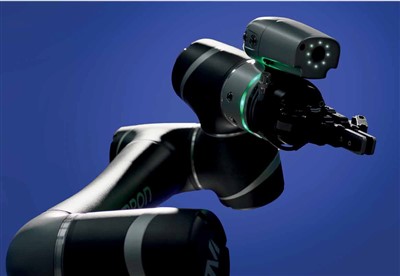
Collaborative Robots; This new line of collaborative robots are safer, simpler to program, and easier to integrate with other equipment, representing a big step toward creating an intelligent manufacturing environment where humans and machines work in harmony.
- Versatile and adaptable to numerous applications especially machine tending, loading and unloading, assembling, gluing, testing, and soldering.
- The simplified programming for these robots requires no coding, and no pendant, giving users faster start-up times.
- Safety as priority. Safety requirements specify in ISO 10218 and ISO/TS 15066.
- Guaranteed seamless integration with our collaborative robots (e.g. LD mobile robots) and controller hardware.
- Built-In intelligent vision system for pattern recognition, object positioning and barcode identification.
The Collaborative Robot
In any manufacturing environment today, the key emphasis is on how you can safely harness the power and precision of robots along with the problem-solving ability of humans to achieve greater productivity.
Designed to work with both humans and machines, the OMRON TM Collaborative Robot lets you attain better efficiency with its wide range of industrial applications while ensuring workplace safety.
Features
 Faster set-up with built-in vision
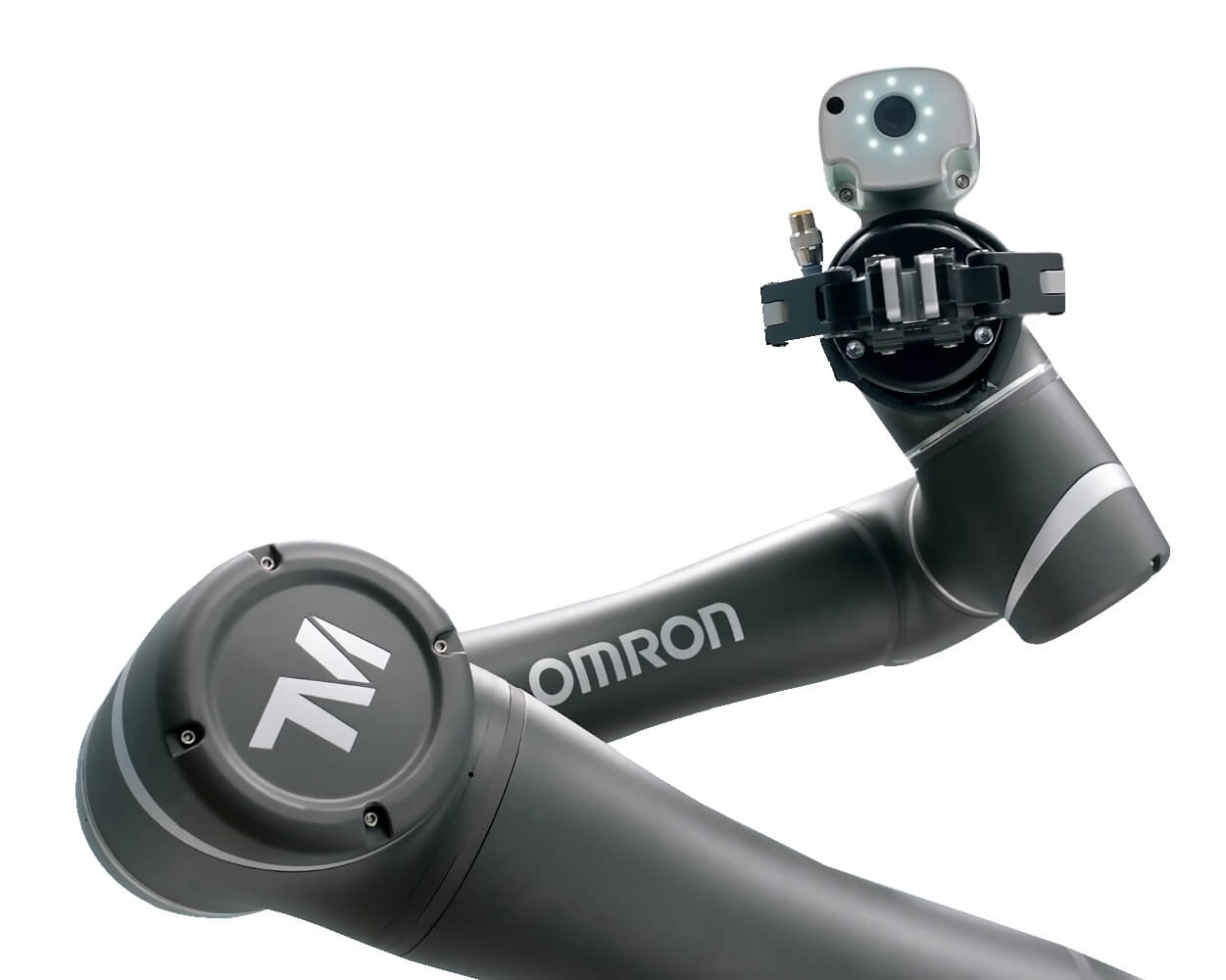
The OMRON TM Collaborative Robot features a built-in vision system. The integrated camera localizes objects in a wide field of vision, and the image-enhancement light enables object recognition under almost any conditions.
Quick Start-up and changeover
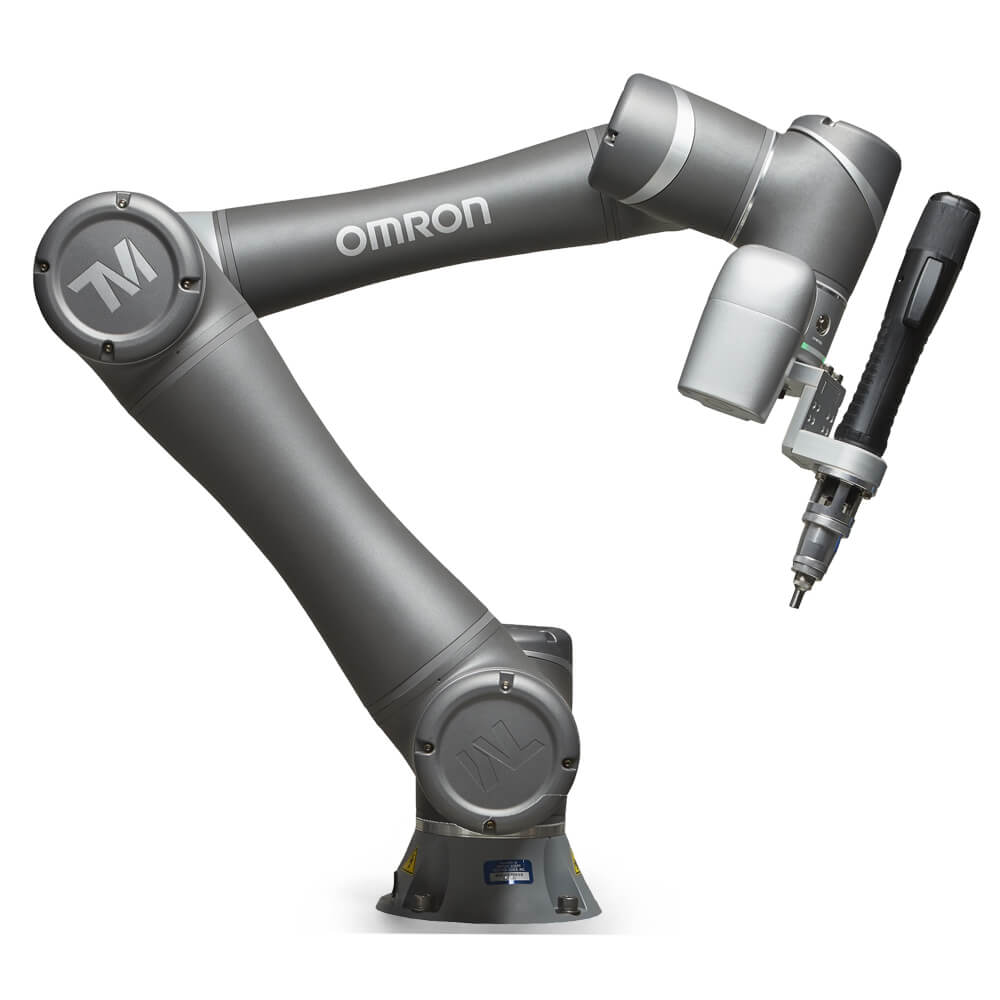
Downtime costs money, which means you need a robot that can start fast and stay running. Our Plug and Play software enables this robot to work right out of the box.
 Safety in collaborative applications
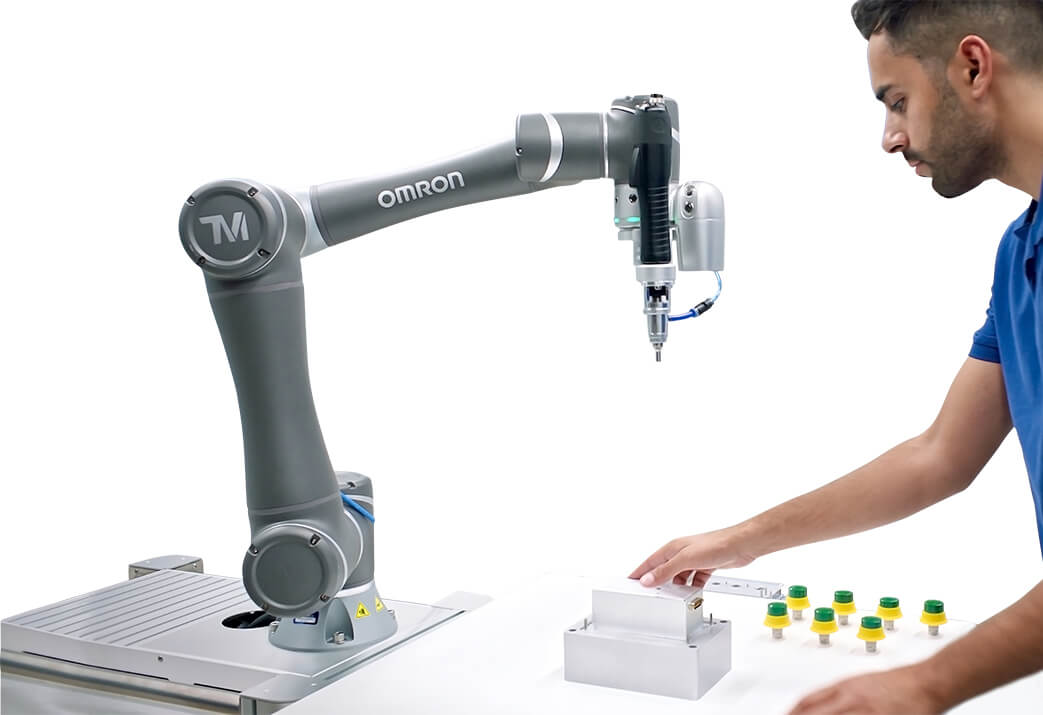
Collaborative robots are designed to work safely with human operators thanks to technologies like force feedback, low-inertia servo motors, elastic actuators and collision detection technology that limit their power and force capabilities to levels suitable for contact.
The safety standard ISO 10218-1, ISO 10218-2 and technical specification ISO TS-15066 define the safety functions and performance of the collaborative robot.
Download our white paper to read up on industry standards, risk assessment best practices and strategies for maximizing the value of your application.


